
What OpenCode is
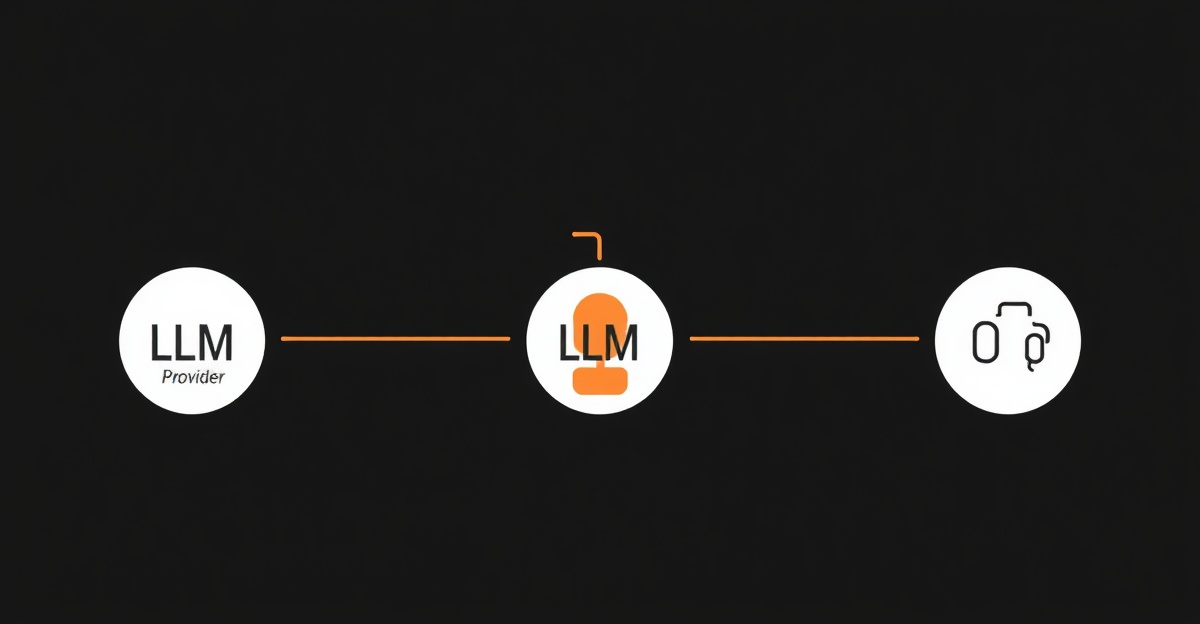
OpenCode is a terminal-based coding agent that reads your project, plans changes, and executes them. It is comparable to Claude Code or Codex CLI but with one defining trait: it works with any LLM provider. You pick the model, OpenCode handles the agent loop (reading files, planning, writing code, running commands).
The project is written in Go, which means fast startup times and a single binary with no runtime dependencies. No Node.js, no Python, no Docker. Download the binary and run it.
On Terminal-Bench (a benchmark for terminal-based coding agents), OpenCode scored 51.7% with Claude Opus 4.5 as the backend model. That is competitive with other open-source agents, though purpose-built tools like Claude Code score higher with the same model due to tighter integration.
Install OpenCode
There are three ways to install:
Option A: Go install (if you have Go 1.22+)
go install github.com/opencode-ai/opencode@latestOption B: Homebrew (macOS)
brew install opencode-ai/tap/opencodeOption C: Download binary
Download the latest release from the GitHub releases page for your platform. Extract and move the binary to a directory in your PATH:
tar -xzf opencode_*.tar.gz
mv opencode ~/.local/bin/
Verify the install:
opencode --versionConfigure your first provider
Initialize the config file:
opencode initThis creates ~/.config/opencode/config.json. Open it and set your provider.
Anthropic (Claude)
{
  "provider": "anthropic",
  "model": "claude-sonnet-4-20250514",
  "api_key": "sk-ant-your-key-here"
}
OpenAI
{
  "provider": "openai",
  "model": "gpt-4o",
  "api_key": "sk-your-key-here"
}
xAI (Grok)
{
  "provider": "xai",
  "model": "grok-4",
  "api_key": "xai-your-key-here"
}
Local Ollama
{
  "provider": "ollama",
  "model": "llama3.1:70b",
  "base_url": "http://localhost:11434"
}
Make sure Ollama is running (ollama serve) and the model is pulled
(ollama pull llama3.1:70b) before starting OpenCode with this config.
Set up shell aliases for fast switching
Rather than editing the config file every time you want a different model, set up shell aliases
that override the provider on launch. Add these to your ~/.zshrc or ~/.bashrc:
# OpenCode aliases
alias oc="opencode"
alias oc-claude="OPENCODE_PROVIDER=anthropic OPENCODE_MODEL=claude-sonnet-4-20250514 opencode"
alias oc-gpt="OPENCODE_PROVIDER=openai OPENCODE_MODEL=gpt-4o opencode"
alias oc-grok="OPENCODE_PROVIDER=xai OPENCODE_MODEL=grok-4 opencode"
alias oc-local="OPENCODE_PROVIDER=ollama OPENCODE_MODEL=llama3.1:70b opencode"
Reload your shell:
source ~/.zshrc
Now you can switch providers with a single command. Type oc-gpt for OpenAI,
oc-claude for Anthropic, or oc-local for a local model. Each alias
sets the provider and model via environment variables, overriding the config file for that session.
Your first coding session
Navigate to a project and start OpenCode:
cd ~/projects/my-app
oc
Type a task:
Add a health check endpoint at GET /health that returns the app version and uptimeOpenCode reads your project structure, identifies the framework and routing pattern, generates the endpoint code, and shows you the proposed changes. Review the diff and approve. The workflow is similar to Claude Code or Codex CLI: read project, plan, generate, review, apply.
When to use which provider
Not every model is equally good at every task. After testing OpenCode with multiple providers, here is a rough guide:
- Anthropic Claude Sonnet: Best for multi-file refactoring, code review, and tasks that require understanding relationships between files. Strong at following existing code patterns.
- OpenAI GPT-4o: Good general-purpose option. Performs well on standard coding tasks and has broad language support. Sometimes generates more verbose output than Claude.
- xAI Grok: Strong at reasoning-heavy tasks and technical explanations. Newer to the coding agent space, so ecosystem support is still catching up.
- Local Ollama (Llama 3.1 70B): Free and private. Acceptable for simple edits, boilerplate, and tasks where you do not want code leaving your machine. Noticeably worse than cloud models on complex multi-file work.
The alias approach lets you pick the right tool for each task without friction. Start with
oc-claude for complex architecture work, drop to oc-local for quick
private edits.
Troubleshooting
- opencode: command not found after go install: Ensure
$GOPATH/bin(typically~/go/bin) is in your PATH. - API errors (401): Double-check the API key format for your provider. Anthropic keys start with
sk-ant-, OpenAI withsk-, xAI withxai-. - Ollama connection refused: Start the Ollama server with
ollama servebefore launching OpenCode. Confirm the model is pulled withollama list. - Slow responses with local models: Models above 30B parameters need significant RAM and ideally a GPU. On CPU-only machines, expect 30 to 60 second response times for complex tasks.
Next steps
With OpenCode configured, try setting up project-specific configs (drop a .opencode.json
in any project root to override global settings), explore the built-in tools for shell execution
and web browsing, and benchmark different models on your specific codebase. For a comparison of all
terminal agents, see the agentic AI overview.
Frequently asked questions
How does OpenCode compare to Claude Code?
Claude Code is Anthropic-only and tightly integrated with Claude models. OpenCode works with any provider, including Claude via API. Claude Code has deeper integration with Anthropic-specific features (extended thinking, MCP). OpenCode trades that depth for provider flexibility. On Terminal-Bench, OpenCode with Claude Opus 4.5 scored 51.7%, while Claude Code with the same model scores higher due to native integration.
Does OpenCode work with local models?
Yes. Point OpenCode at any Ollama instance and use models like Llama 3.1, Mistral, or CodeLlama. Local models are free to run but produce lower-quality output than cloud models for complex coding tasks. Local models work well for simple edits, boilerplate generation, and tasks where privacy matters more than quality.
Is OpenCode free?
The tool itself is free and open source under the MIT license. You pay only for the LLM API calls it makes to your chosen provider. If you use local models via Ollama, the entire stack is free (assuming you have the hardware to run the model).
Can I use OpenCode with multiple providers at the same time?
Not within a single session. Each OpenCode session connects to one provider and model. To switch providers, start a new session with a different config or alias. The shell alias approach (oc-claude, oc-gpt, oc-grok) makes this fast enough that it does not feel like a limitation in practice.