
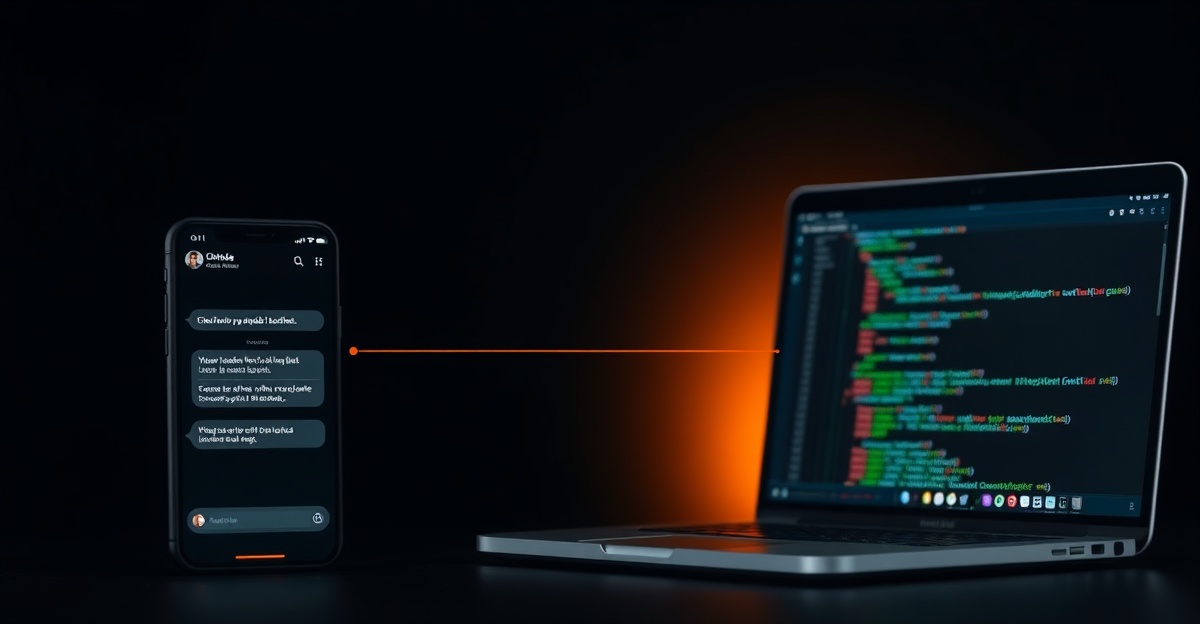
What Channels does
Claude Code Channels is an MCP (Model Context Protocol) plugin that connects Claude Code to Telegram and Discord. You message your bot with a task, and Claude Code receives it as if you had typed it directly into the terminal. The agent executes the task in your current project directory with full access to your tools, files, and shell.
The practical use case: you are away from your computer but want to kick off a deployment, run a database migration, or ask Claude to investigate a production error. You send the task from your phone, and it runs against your real project context.
Prerequisites
- Claude Code installed and working. If you have not set this up yet, follow the official Claude Code docs.
- An Anthropic subscription (Pro or Max). Claude Code is not available on the free tier.
- A Telegram or Discord account for the messaging side.
Step 1: Install the Channels MCP plugin
From inside a Claude Code session, run:
claude mcp install channelsThis registers the Channels plugin with your Claude Code installation. The plugin activates automatically on subsequent sessions. Verify it is installed:
claude mcp listYou should see channels in the output with status active.
Step 2: Set up a Telegram bot
- Open Telegram and message @BotFather.
- Send
/newbot. Choose a name (e.g., "My Claude Agent") and a username (e.g.,my_claude_agent_bot). - Copy the API token BotFather gives you.
- Configure the Channels plugin:
claude mcp configure channels \
  --set telegram.token="7123456789:AAF..." \
  --set telegram.allowed_users="YOUR_USER_ID"
Replace YOUR_USER_ID with your numeric Telegram ID. Get it by messaging
@userinfobot.
Step 3: Set up Discord (optional)
If you prefer Discord or want both channels active:
- Go to the Discord Developer Portal and create a new application.
- Under the Bot tab, click "Add Bot" and copy the bot token.
- Under OAuth2, generate an invite URL with the
botscope andSend Messages+Read Message Historypermissions. - Invite the bot to your server using the generated URL.
- Configure:
claude mcp configure channels \
  --set discord.token="MTIz..." \
  --set discord.allowed_users="YOUR_DISCORD_USER_ID"
Step 4: Send your first task
Start (or restart) Claude Code in your project directory so the Channels plugin activates:
claudeOpen your Telegram bot conversation and send a message:
List all TODO comments in the codebase and summarize what each one is aboutClaude Code receives the message, processes it against your project files, and sends the result back to your Telegram chat. The response time depends on your subscription tier and the task complexity. Simple queries return in 10 to 30 seconds. Complex multi-file operations can take a few minutes.
Limitations to know about
Channels is useful but has real constraints you should understand before relying on it:
- Session-bound. If Claude Code is not running on your machine, tasks queue but do not execute. There is no background daemon. You must have an active terminal session for the agent to work.
- Single provider. Channels only works with Claude Code and Anthropic models. You cannot swap in OpenAI or a local model. The LLM is whatever Claude Code is configured to use.
- No persistent memory between sessions. If you restart Claude Code, the agent starts fresh. Conversation history from Channels does not carry over unless you use Claude Code's built-in memory features.
- Subscription limits apply. Every Channels task consumes tokens from your Claude subscription. Heavy use from Telegram can hit rate limits the same way heavy terminal use does.
When to use Channels vs. a standalone agent
Channels is the right choice when you already use Claude Code daily and want mobile access to the same agent. It adds zero operational overhead because it runs inside your existing session.
A standalone agent framework like OpenClaw or Hermes is better when you need always-on operation, multiple LLM providers, or agents that run independently of your laptop being open. See the agentic AI overview for the full comparison.
Frequently asked questions
Does Claude Code Channels cost extra?
No. Channels is an MCP plugin that runs inside your existing Claude Code session. It uses the same Anthropic subscription (Pro or Max) you already pay for. There is no separate fee for the Channels functionality itself.
Can I use Channels with a free Claude account?
Claude Code requires a paid Anthropic subscription (Pro at minimum). The free tier does not include Claude Code access, so Channels will not work without a paid plan. Any plan that includes Claude Code also supports Channels.
What happens when Claude Code is not running?
Messages sent to your Telegram or Discord bot queue on those platforms. When you start Claude Code with the Channels plugin active, it picks up queued messages and processes them in order. There is no background processing while the session is closed.
Can multiple people use the same Channels bot?
Technically yes, but this is not recommended. Each message triggers work in your Claude Code session using your API quota. Set the allowed_users config to restrict access to your own user ID. Sharing the bot with a team would burn through your subscription limits quickly.